Automation built for language businesses
Every project repeats the same steps. Awtomated Automate runs them for you, with templates for projects, tasks and documents and a log of everything it did.
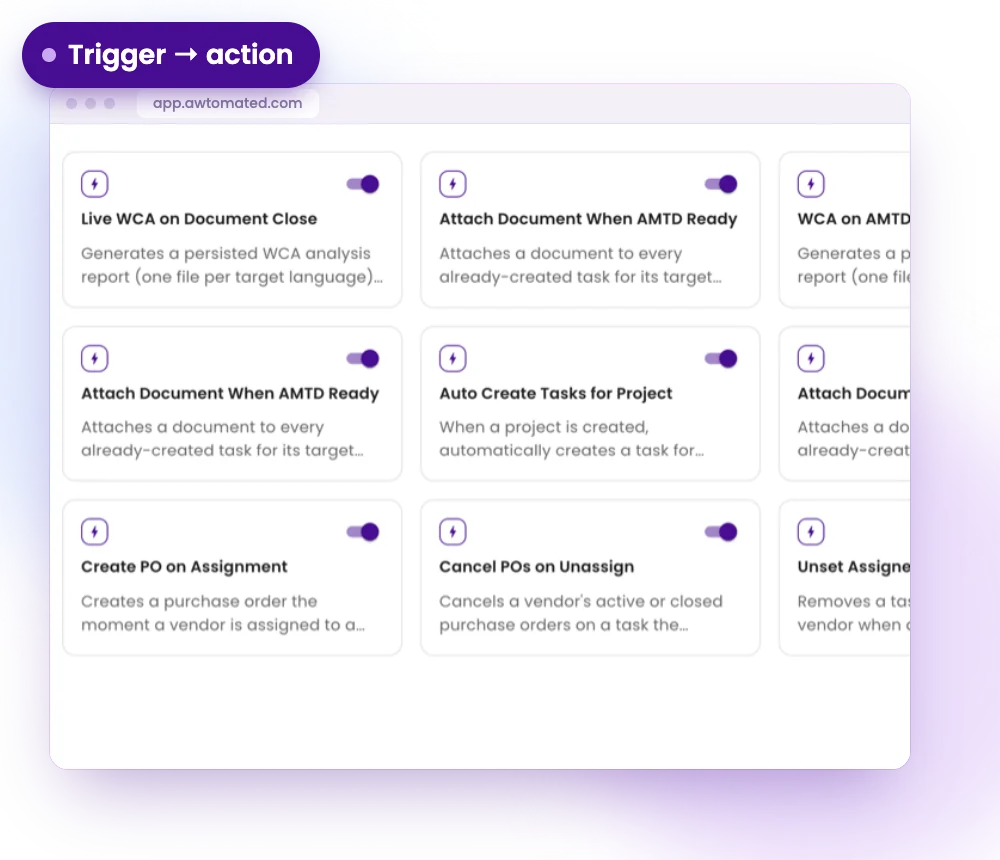
Triggers and actions
Build a workflow from a trigger, such as a project being created, a vendor accepting a task or every task being done, and the actions that follow. Let it run on its own, or trigger it by hand.
- Triggers on projects, tasks and documents
- Actions that create, update and move records
- Start from a template or from scratch
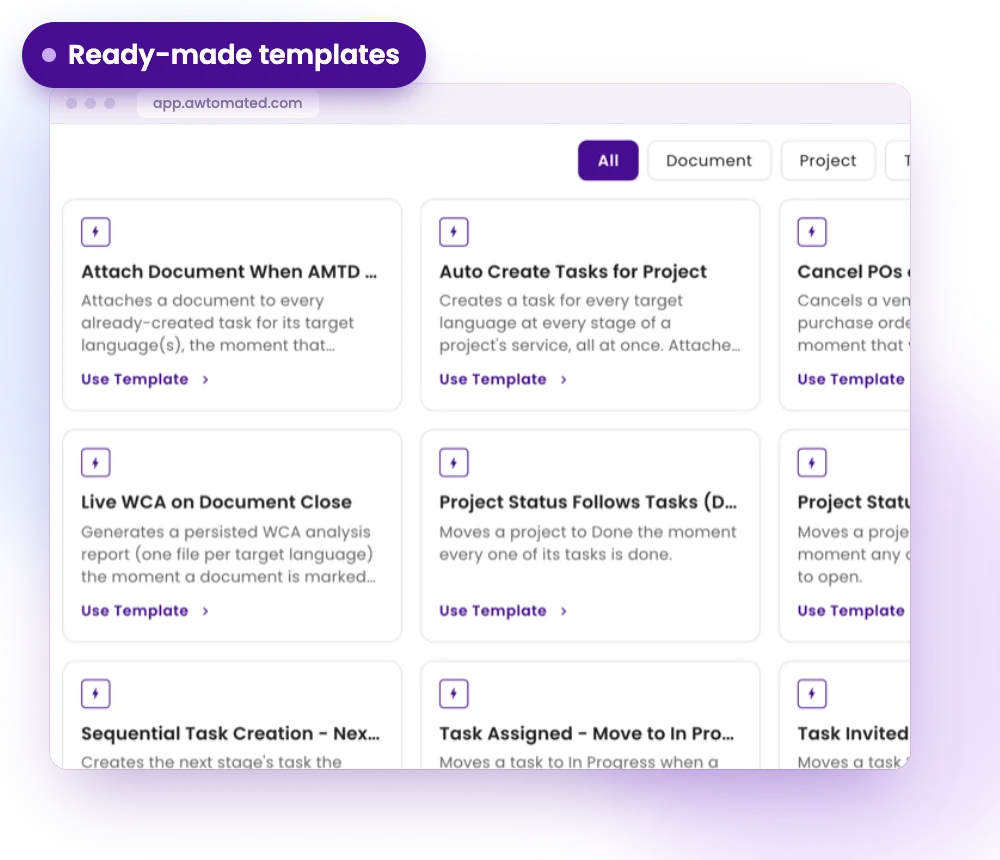
Ready-made templates
Add a template with one click and adjust it. Templates cover creating tasks per language, raising and cancelling purchase orders, moving task and project statuses and generating word-count analyses.
- Auto create tasks for a project, one per language and stage
- Create a purchase order the moment a vendor is assigned
- Project status follows task progress
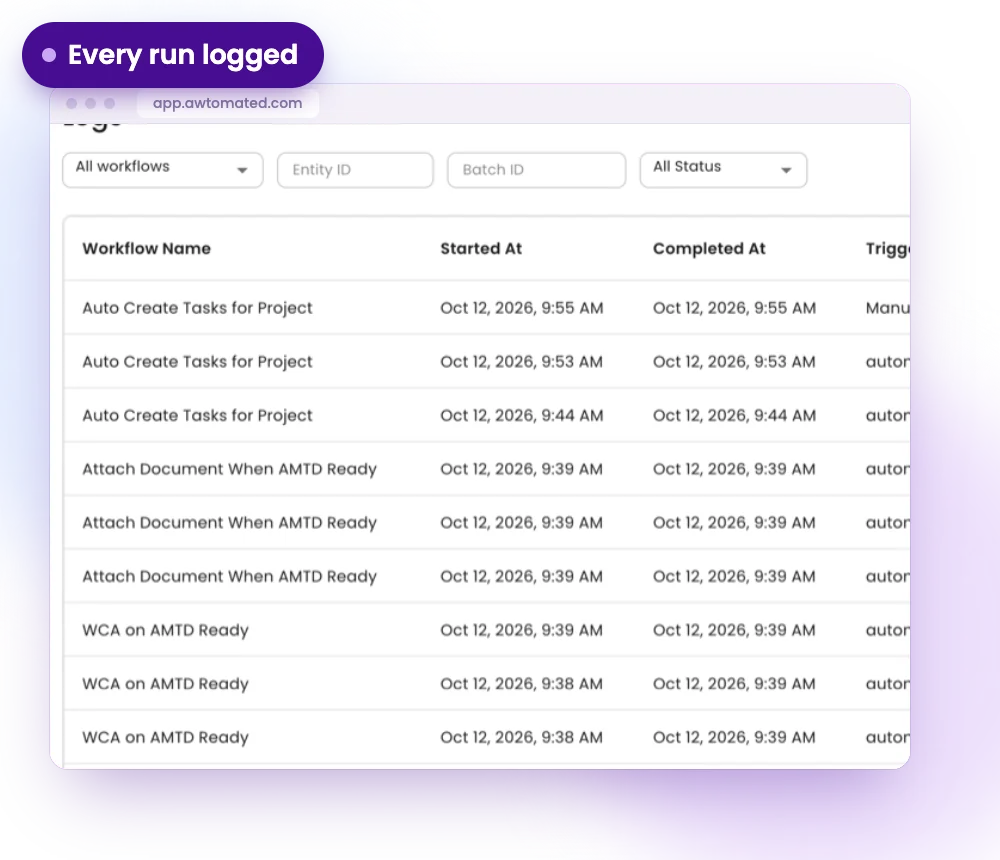
Every run is logged
Automate keeps a log of what ran, when and what it did, so your team can see exactly what happened on every project.
- A log of every workflow run
- The result shown on every line
- Browse templates by what they act on: document, project or task
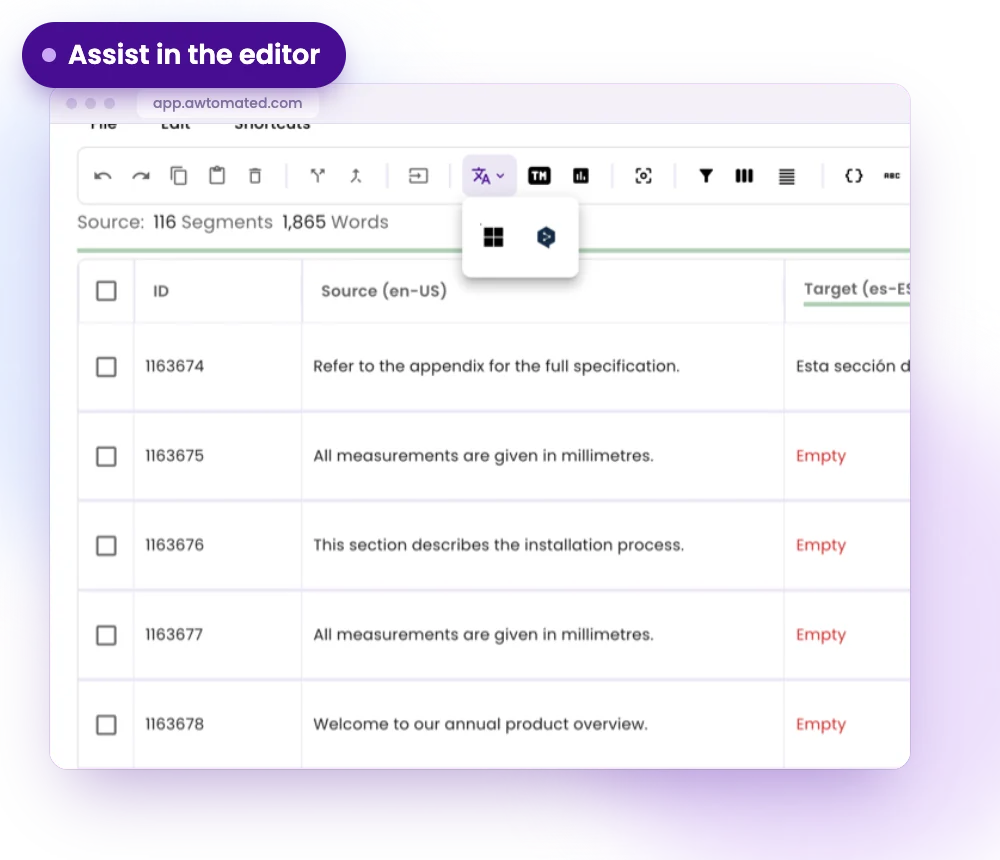
Assist, with people in charge
Machine translation engines and the editor give suggestions next to your translation memory. People review and decide. AI agents that coordinate work across modules describe where Awtomated is heading, not a release schedule.
- Machine translation with DeepL or Microsoft Translator
- Suggestions next to your translation memory
- People review and approve
Automation for Every Kind of Agency
For Small Agencies
The routine setup that used to take an afternoon happens when the project is saved.
- Tasks created for every language
- Purchase orders ready when a vendor accepts
- Fewer manual status updates
For Growing LSPs
As volume grows, rules keep every project handled the same way, without adding coordinators.
- Consistent steps on every project
- A log to check what happened
- Templates you can adopt in minutes
For Operations Leads
See what ran, what did not and what it touched, without asking anyone.
- A run log for every workflow
- Project status follows its tasks
- Clear ownership of each step
Integrations & Compatibility
Works with your stack. No switching tools


Have a question?
We are here to answer.
What can I automate today?
Automate ships with ready-made templates for projects, tasks and documents: creating tasks per language and stage, raising and cancelling purchase orders, moving task and project statuses and generating word-count analyses.
Can I see what an automation did?
Yes. Every run is logged, with what ran, when and what it did.
Are these AI agents?
No. Automations run rules you choose. Machine translation and editor suggestions assist your team today. AI agents describe where Awtomated is heading, not a release.
Do I need a developer to set this up?
No. Add a template with one click and adjust it, or start from scratch.
