A queue for everything that is not billable work
Tickets track requests and issues that are not themselves billable work, such as a client query, a file problem or an internal follow-up.
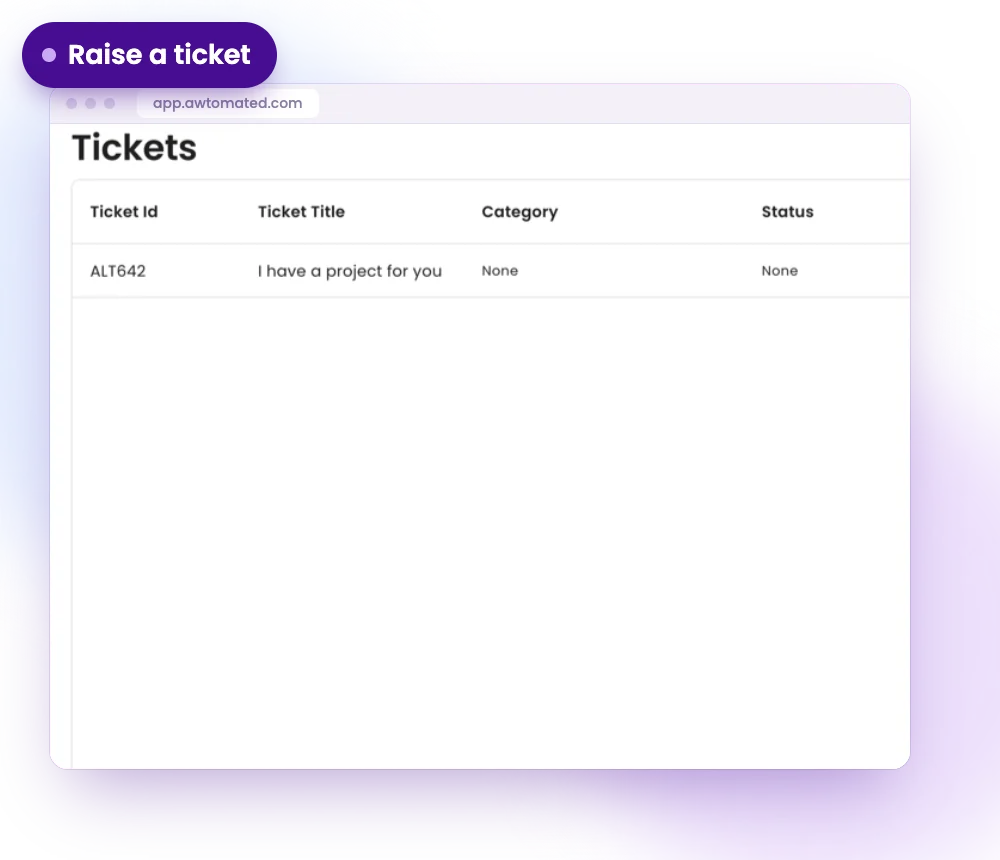
Raise a ticket in seconds
Create a ticket with a clear title that describes the problem rather than the symptom, so the queue stays readable.
- Create a Ticket with a title
- Submit it, or cancel to discard
- A readable queue
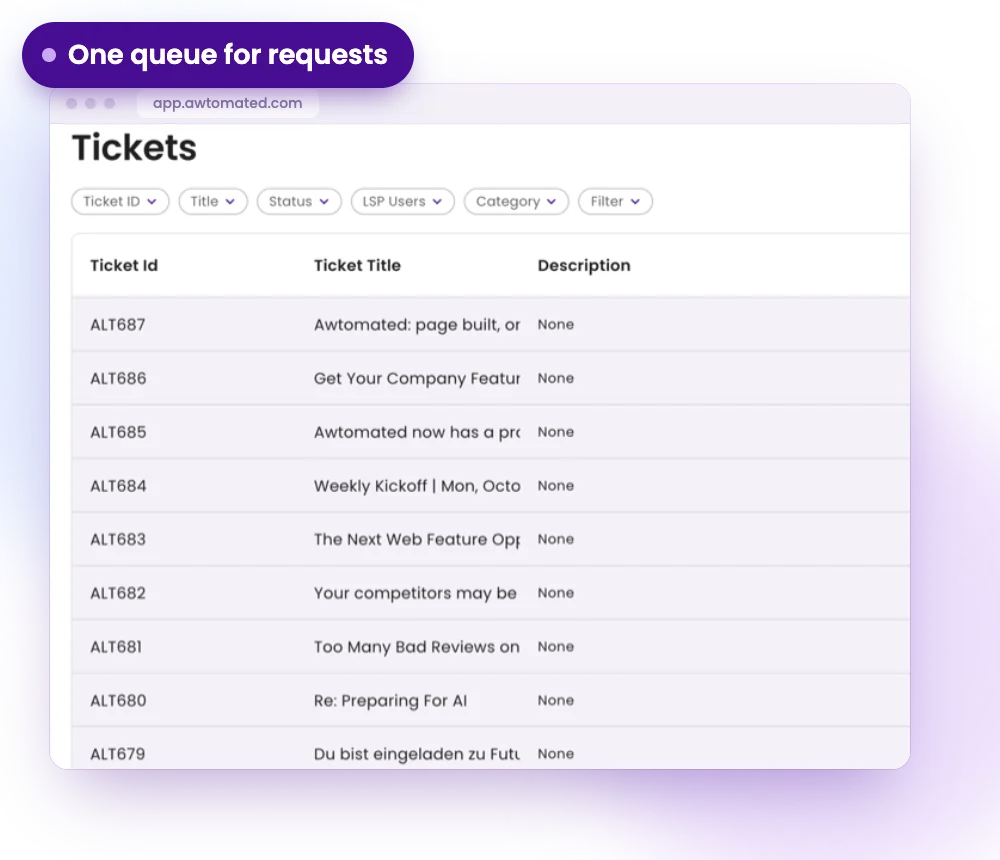
Capture requests from your website and inbox
Requests that arrive through your website form or your inbox can become tickets, with a status and a category.
- Website form requests
- Requests from your inbox
- Status and category on every ticket
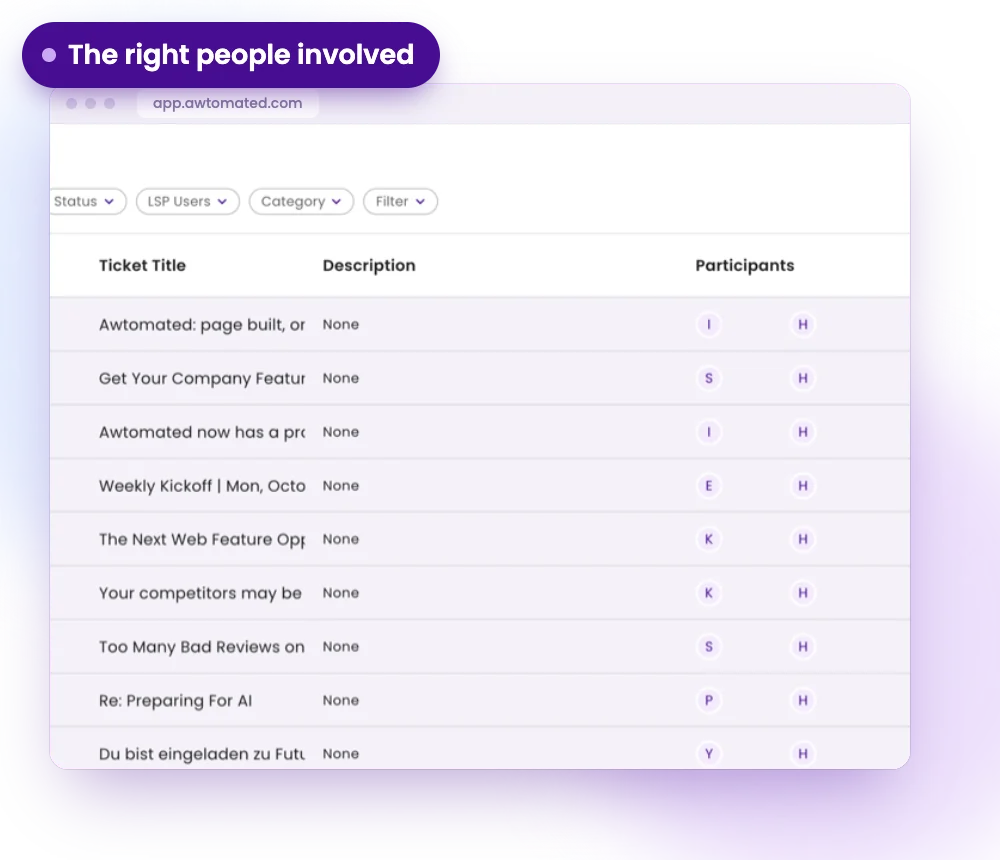
The right people involved
Add participants to a ticket so the team members who should act on it can see it and follow it.
- Add participants to a ticket
- Open, In Progress, Resolved
- Kept apart from billable work
Tickets for Every Kind of Agency
For Project Managers
Keep file problems and client questions from disappearing between projects.
- One queue for open requests
- Clear status on every ticket
- The right colleagues involved
For Account Managers
Answer client queries without losing track of what is still open.
- Requests captured from the inbox
- Category and status on each one
- A history of what was asked
For Support Teams
Work the queue from the oldest open request to the newest.
- Open, In Progress, Resolved
- Participants on each ticket
- Nothing buried in email
Integrations & Compatibility
Works with your stack. No switching tools


Have a question?
We are here to answer.
What are tickets used for?
Tickets track requests and issues that are not themselves billable work: a client query, a file problem or an internal follow-up.
Where do tickets come from?
They can come from your website form or your inbox, or your team can create one with Create a Ticket.
How are tickets different from projects?
A project is billable work with tasks, vendors and invoices. A ticket tracks a question or an issue around that work.
Can several people work on one ticket?
Yes. Add participants to a ticket so the right team members are involved.
