Awtomated release 1.25.3
Table of Contents
A fresh login screen with a show-password eye, and invoices that explain their discounts
New
A new login screen, and you can finally see your password
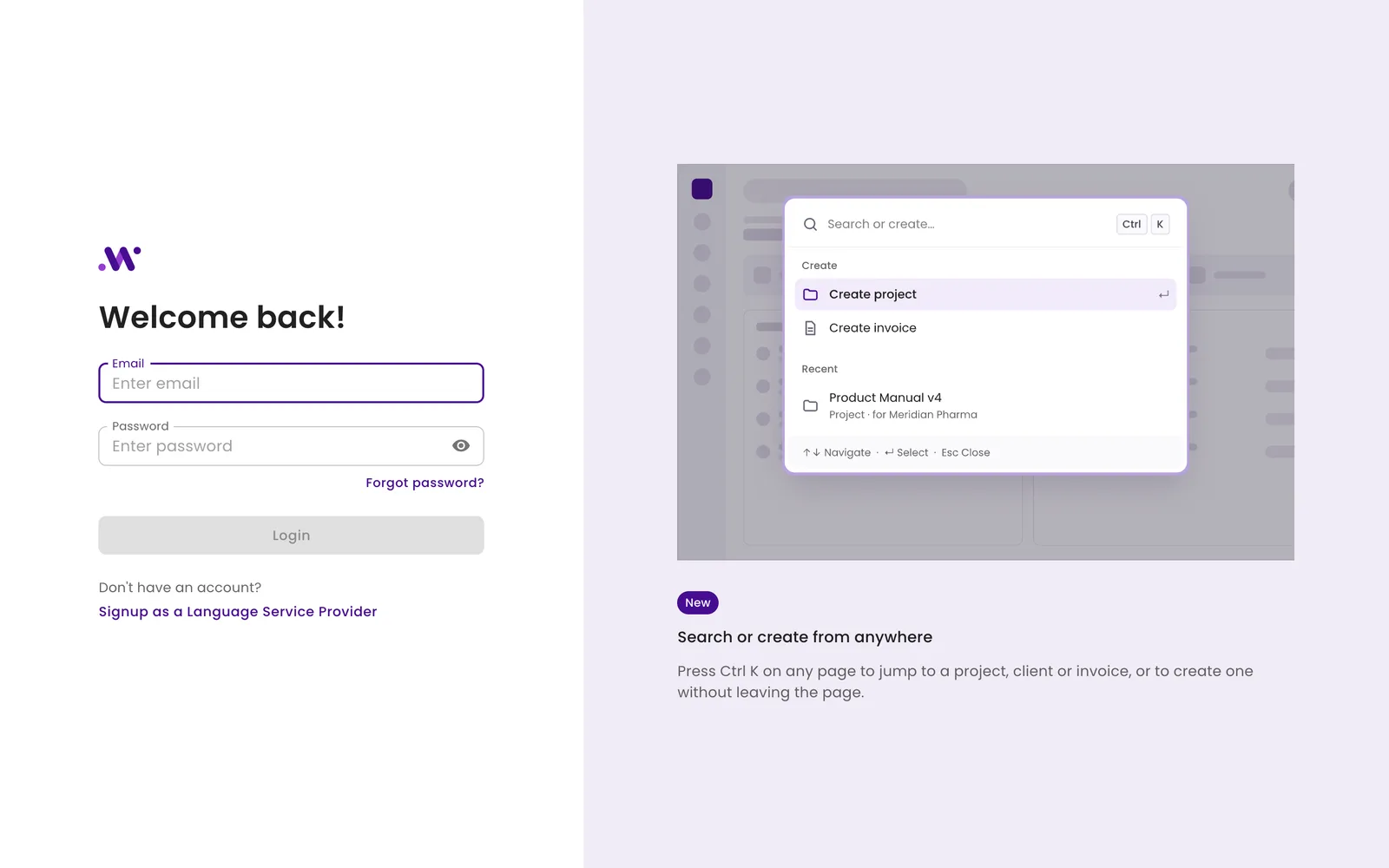
The login and reset password screens have a fresh look. Password fields now have an eye icon: click it to show what you typed, click again to hide it. Less guessing at typos.
Invoices and estimates show how the discount was worked out
Invoice and estimate PDFs now include a breakdown of the discount profile that was applied to each line, so your client can see where the numbers come from. The same breakdown appears in the invoice and estimate overview, and the PDF footer has been updated.
In the invoice form, every line item has a small arrow on the right. Click it to open the discount grid for that line. It lists each match type, from Perfect Match and Context Match down to fuzzy matches, Repetitions and New words, with the word count, the weighted percentage and the amount for each. Click the arrow again to fold it away.
Public invoice and estimate links now offer the same new PDF download, so clients who open the link get the same document you do.
Enhancements
Consistency
- Pop-up notifications now look and behave the same across the whole platform.
- The support form is easier to use and more accessible.
Tidier lists
- The Service dropdown and form templates now show only active options, such as Translation, Interpretation, MTPE, TEP, Machine Translation, Editing and Proofreading.
- PPT and TS files are no longer listed as supported upload types.
Fixes
Sign-up and tasks
- After you verify your email, the sign-up tab moves on by itself. No more refreshing.
- “Auto Create Tasks for Project” no longer fails with a server error.
