Workflow Automation for Translation Agencies: What to Automate First
The best workflows to automate first in a translation agency are the ones that are repeated on every project and have a clear rule: creating the tasks, raising purchase orders, updating statuses and attaching files. Start with a few simple automations that remove daily admin, check the log of what they did, and only then automate decisions that need judgement. This guide explains what to automate, what to keep human, and how to start.
What translation workflow automation is
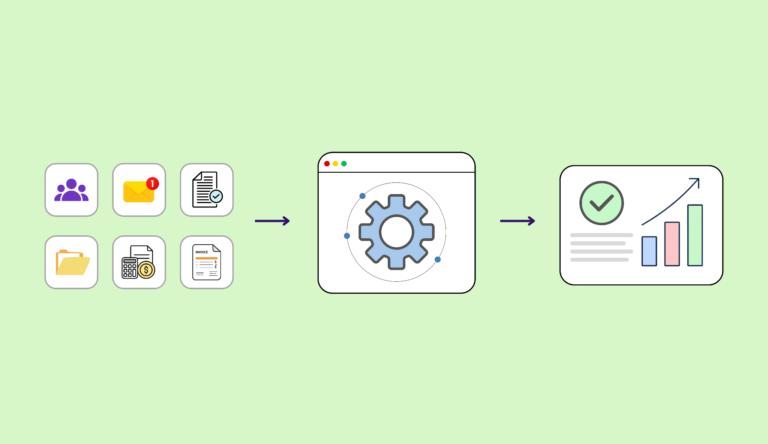
An automation is a rule of the form when this happens, do that. The trigger is an event such as a project being created, a vendor accepting a task or every task in a project being marked done. The action is the step that follows: create tasks, raise a purchase order, change a status. Because the same events happen on every project, even a few rules save a large amount of coordination time over a month.
Where agencies lose time
Look at one project and list every manual step between the request and the payment. Typical candidates are:
- Creating one task for each target language and stage
- Telling a vendor about a new task and waiting for them to accept it
- Raising the purchase order after the vendor accepts
- Moving the task to "in progress", then the project to "done" when the last task closes
- Running translation memory and machine translation on each file
- Generating a word count analysis for quoting and invoicing
- Attaching the finished document to the task
The first five automations to set up
- Create tasks automatically when a project starts. A task for every target language and stage, created from the project's services. This removes the single most repetitive step.
- Raise the purchase order when a vendor is assigned. The rate, currency and tax come from the vendor's price list, so the PO is ready the moment the vendor accepts, and nobody has to remember it later.
- Update task status when a vendor accepts. When the vendor accepts, the task moves to in progress without a manual change.
- Close the project when the last task closes. The project moves to done when every task is done, and back if a task reopens, so status always reflects reality.
- Run translation memory and machine translation across all files. Apply TM and MT to every file in a project in one step rather than file by file.
What to keep human
Automate the routine, not the judgement. Choosing a vendor for a sensitive or highly specialised job, approving a quote above a certain value, deciding how to handle a client complaint and reviewing machine-generated output should stay with people. A useful test: if a new colleague could follow a written rule to do it, automate it; if the answer depends on knowing the client or the subject, keep a person in the loop.
Machine translation is assistance, not autopilot
Machine translation and AI suggestions can speed up work, and they belong in the workflow as assistance. Outputs should still be reviewed by qualified people before delivery, as engines can produce errors that look fluent. For pricing implications, read our guide on how to price translation projects, and see AI translation in Awtomated.
Make every run visible
An automation you cannot inspect is a liability. For each automation you should be able to see when it ran, what it did and whether it succeeded. A run log lets a project manager answer "why was this PO created?" in seconds, and it makes it safe to add more automations. In Awtomated, every run is logged.
How to roll it out
- Pick one agency workflow and write down the steps.
- Automate the first two or three, using ready-made templates where available.
- Run it on a handful of real projects and read the log.
- Fix surprises, then add the next automation.
- Review monthly: which automations save time, which are never used?
How Awtomated supports it
Awtomated Automate runs workflows with triggers and actions across projects, tasks, vendors, purchase orders and documents, with templates for common cases such as creating tasks for every target language, raising a purchase order on assignment and making project status follow its tasks. Machine translation engines and the editor offer suggestions next to your translation memory, and your team reviews and decides. See the platform in a demo, or read how to leave spreadsheets behind first.
Frequently Asked Questions
What can I automate in a translation agency?
Routine, rule-based steps: creating tasks per language, raising purchase orders when a vendor is assigned, updating statuses, running translation memory and machine translation across files, and attaching delivered documents.
Do I need a developer to set up automations?
Not for the common cases. Ready-made templates cover standard workflows, and you adjust them to your process.
Will automation replace project managers?
No. It removes repetitive admin so project managers can focus on client communication, vendor selection and quality, which need judgement.
How do I trust what an automation did?
Use a run log that shows when each automation ran, what it did and whether it succeeded. If you cannot inspect it, do not rely on it.

Building software that helps small and medium-sized language service providers run their business.
About Rishi →